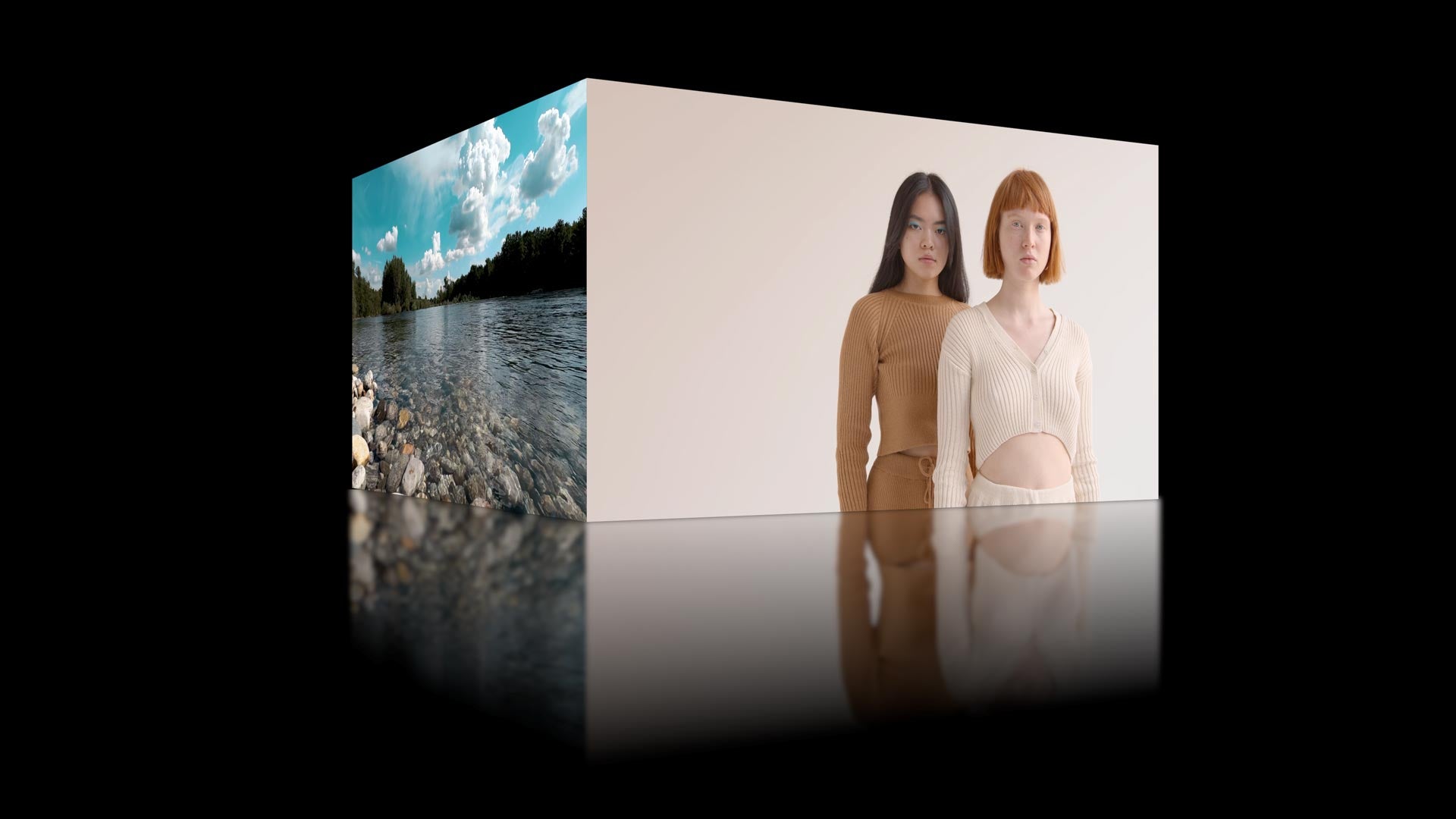
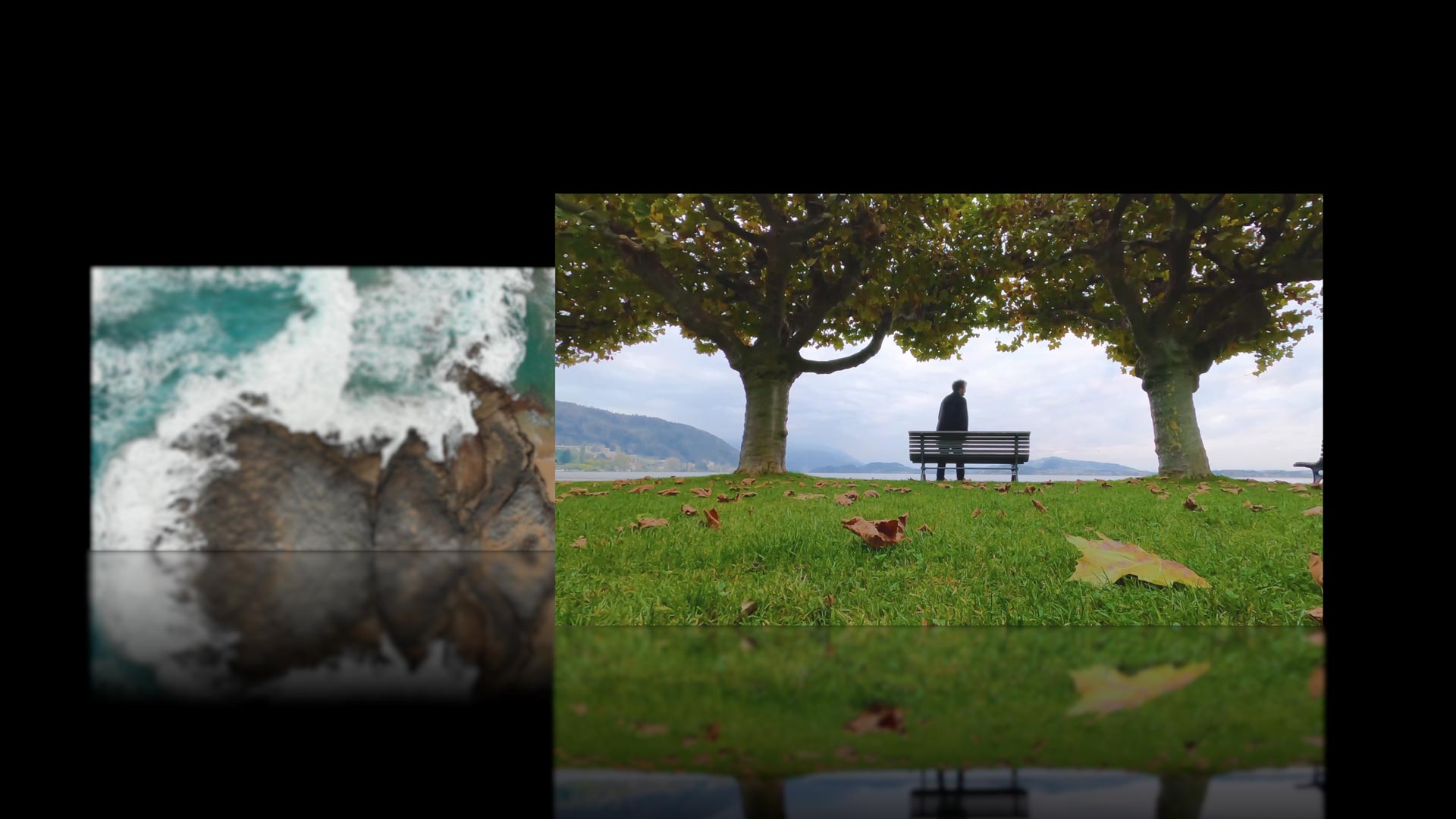
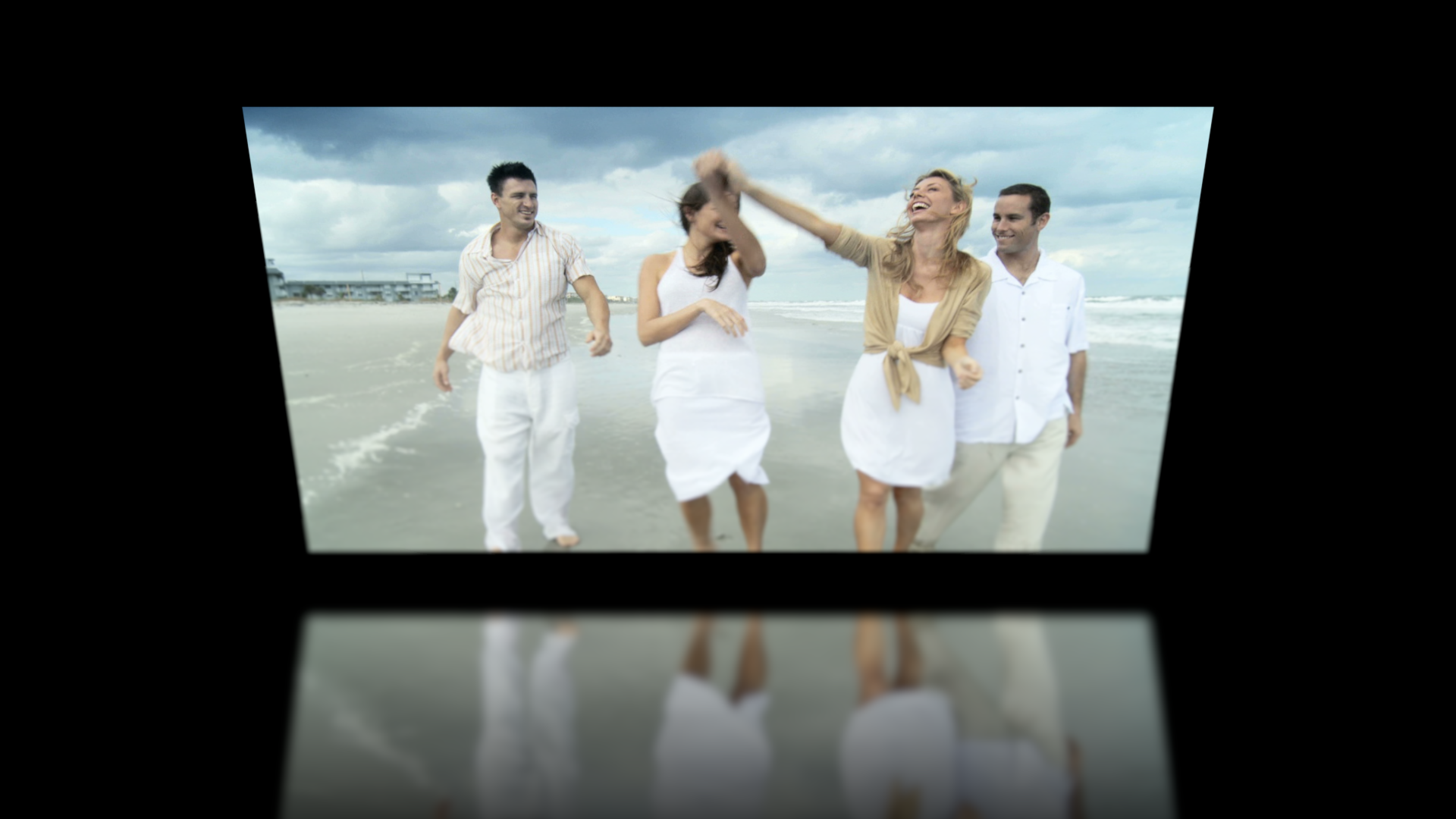
XEffects 3D Transitions are 39 effects for Final Cut Pro X all built in 3D space with camera moves, variable focal lengths, shallow depth of field, lighting and reflections.
10 new effects added in this new version 2 update - free for all existing customers who have bought XEffects 3D Transitions.
Gorgeous glossy transitions all animating with 3D depth that make other effects look rather flat. We say 39 effects, but if we broke the presets down individually, there would be well over 130 different different transitions in the pack!
By harnessing the power of Motion, we have been able to construct all the effects in a 3D environment and thus bring the camera controls and more to the editor. A page turn now looks like a realistic page turn. All are UHD ready, the promo and tutorial are in UHD!
Variable focal length allows the control of the 3D depth of the effect. That gives the user a choice of defocusing near and far edges or keeping everything pin sharp.
Directional lighting adds to the photo realism of the transitions as do fully adjustable reflections.
In this tutorial we look at using 3D Transitions within Final Cut Pro X. See how all the effects are built in a 3D environment for a photo realistic look. Adjust the camera focal length, lighting, depth of field and reflections to get exactly the realistic 3D transition you want.
Don't forget that the promo video timeline can be loaded into Final Cut Pro on your machine by clicking on the 'Load Demo Project' button in the viewer.
Installation
XEffects 3D Transitions is installed through the FxFactory plugin management system. No purchase is necessary to install or use the free trial.
We recommend the following:
macOS Monterey or higher
Final Cut Pro 10.6 or higher
For installation problems or lost licence information, please contact FxFactory.
Description BUY XTheme Action XTheme Action is a Complete Graphic Package for Final Cut Pro consisting of over 120 plugins. Its high energy is perfect for any production that needs...
Description BUY XEFFECTS VIRAL VIDEO Go Viral! Get your message across by adding dynamic boxed text and side panel annotations. Fully customisable for font, colour, background, position and animations. New...
Description BUY XTheme Tech XTheme Tech is a Complete Graphic Package for Final Cut Pro consisting of over 115 plugins.All the elements have a consistent design that enables editors to...
Description XEffects Insta Splits are a set of animating grid layout plugins for Final Cut Pro. They have been designed especially for vertical video (9:16) projects. Build your split grid from halves, thirds, quarters, sixths, eighths...